Every browser can download files, so why do download managers still exist? Because downloading a 4 KB PDF and downloading a 40 GB game are very different jobs. Here is what actually changes.
The short version
| Browser | Download manager | |
|---|---|---|
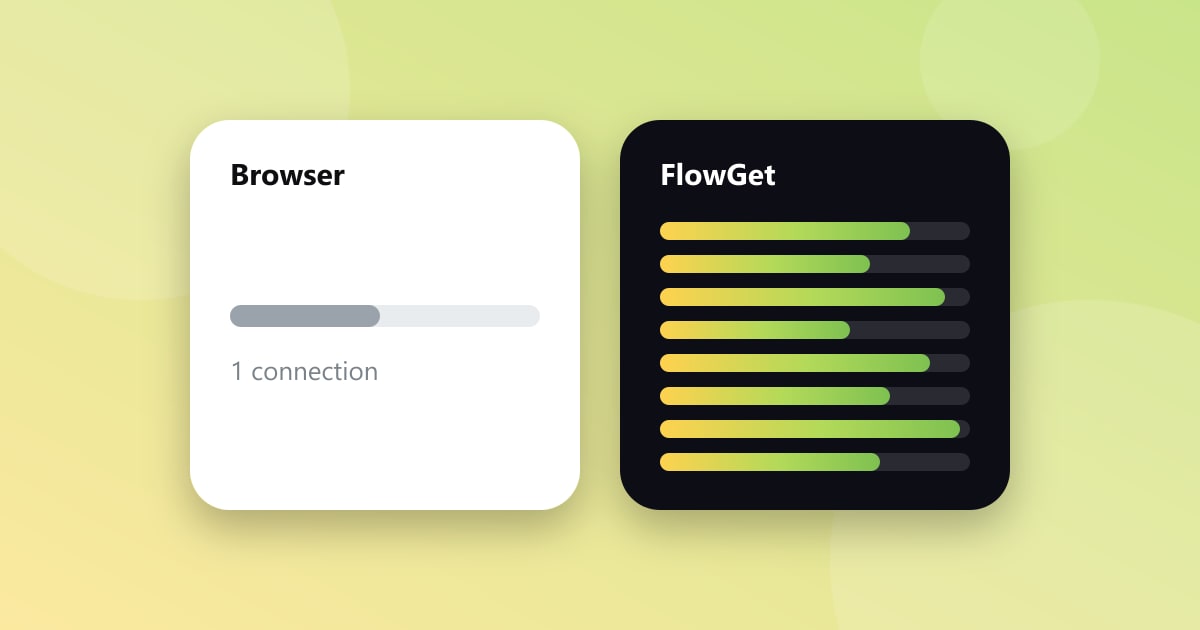
| Connections per file | Usually one | Several at once |
| After a crash or restart | Often lost or must restart | Resumes from saved progress |
| Internet drops | Fails after a while | Waits and continues |
| Scheduling and queues | No | Yes |
| Speed limits | No | By download, by time of day |
| Video quality choice | No | Often |
| File warnings | Basic | Can be extensive |
Speed: one connection versus many
A browser fetches a file over one connection. Many servers cap the speed of each connection, so even on a fast line you may see a fraction of what you could get. A download manager splits the file into parts and fetches them in parallel, so capped connections add up.
The honest caveat: if the server allows only one connection, or your line is the limit, a manager cannot make it faster. The benefit is real but depends on the situation. In our own bad-network measurements, the difference was largest when a connection was slow or went silent, and small on a healthy server.
Reliability: what happens when things go wrong
This is where managers earn their place. They save progress often, check the file has not changed, wait for the network to return and continue by themselves. A browser may give you “Failed - Network error” at 98%. If this happens to you often, read how to resume a broken download.
Control: queues, schedules and limits
Browsers start every download immediately and as fast as they can. A manager lets you:
- put downloads in queues and run only a few at a time
- start downloads at night and shut the PC down afterwards
- limit speed so the rest of the household can still stream (see limiting download speed by time of day)
- pause on metered connections such as a phone hotspot
Video and streams
Browsers do not save videos that play through streaming playlists. Managers with a browser extension can offer a quality list and save the stream. Read how HLS and DASH streams work.
Safety
Downloading is also where people get tricked: a program named like a document, a login page saved as a file. A good manager warns about programs and double extensions such as invoice.pdf.exe, tells you when a site sends a web page instead of the file, and can check a file’s fingerprint against a malware database. Our guide to checking a downloaded file covers the manual way.
When your browser is enough
You probably do not need a manager if you mostly download small files, your connection is stable, and you never lose a download. For everyone else, the more you download, the more the differences matter.
How to choose one
- Resume that works across crashes, restarts and network loss.
- Browser integration for the browsers you use, with control over which files it captures.
- Honest privacy: no ads, no bundled software, no hidden tracking.
- Clear errors instead of vague codes.
- Active development: sites change, and tools must keep up.
FlowGet is built around these points. See the full feature list or, if you are coming from another manager, how to move your downloads over from IDM.